
- Step 1: Go to Settings.
- Step 2: Click on your Profile.
- Step 3: You’ll see an option to change your Display Name.
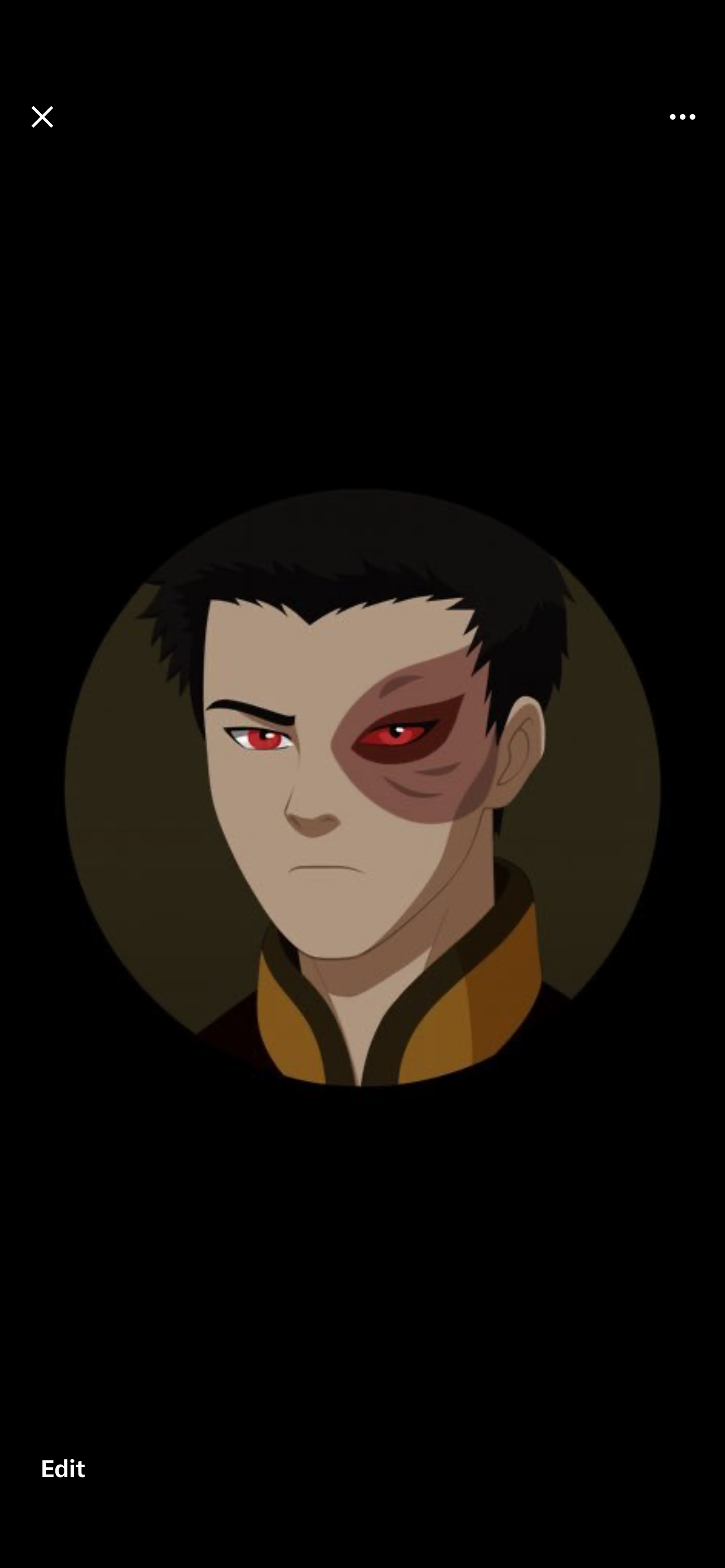
- Step 4: In the same section, you can also add or change your Profile Picture (PFP).
- Step 5: You can also add or change your Banner.
- Step 6: Save your changes when you’re done.